Energy & Power
Tech Reborn's energy system is measured in E (Energy) and flows at a rate of E/t (Energy per tick). Power moves through a chain: generators → cables → storage → machines. Understanding this chain — and the tier rules governing each component — is the key to building a stable base.
How It Works
Generators
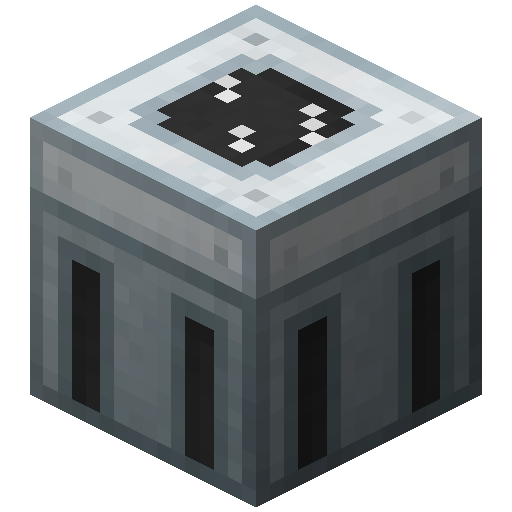
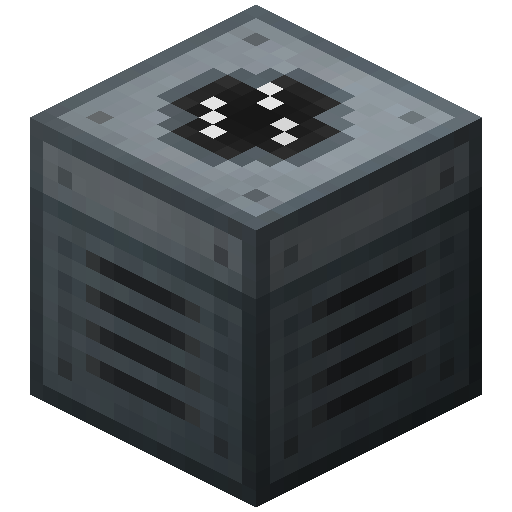
Generators produce energy each game tick and push it into adjacent cables or machines. Each has a fixed output rate determined by its tier. The 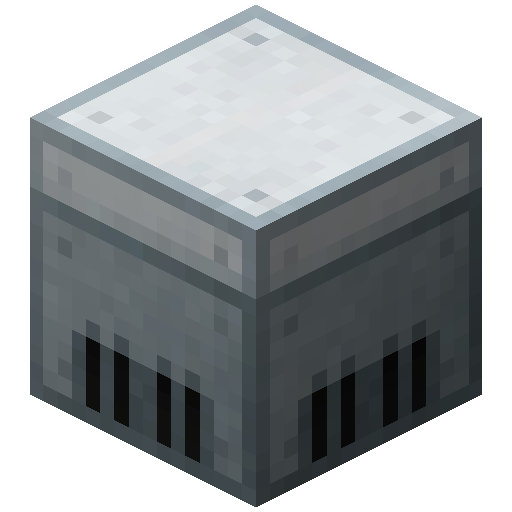
Cables
Cables carry energy between components. Each cable type has a hard transfer cap — send more E/t than its rated limit and the cable vaporizes. Tin Cable handles up to 32 E/t; Copper up to 128 E/t; Gold up to 512 E/t. See Cables & Transformers for the full list.
Storage
Storage units (

Machines
Machines draw energy at a fixed rate while processing a recipe. If supply drops below that rate the machine stalls mid-recipe. Overclocker upgrades increase draw rate but finish recipes faster — total energy per recipe stays roughly constant.
Energy Tiers
Quick reference — see Power Tiers for the authoritative table.
| Tier | Name | Max I/O (E/t) | Min. Cable | Examples |
|---|---|---|---|---|
| 0 | Micro | 8 | Tin | — |
| 1 | Low (LV) | 32 | Tin | Solid Fuel Generator, Grinder |
| 2 | Medium (MV) | 128 | Copper | Thermal Generator, Assembling Machine |
| 3 | High (HV) | 512 | Gold | High Voltage SU |
| 4 | Extreme (EV) | 2,048 | HV Cable | Plasma Generator |
| 5 | Insane (IV) | 8,192 | Glassfiber | Lapotronic SU, Interdimensional SU |
Machines and cables rated for a lower tier will explode or burn out if fed more E/t than they support. To safely connect components of different tiers, use a Transformer to step voltage down.
Cable Sizing Rule of Thumb
- Short local runs (generator directly into 1–2 machines): use the cable that matches your tier — Tin Cable for LV,
 Copper Cable for MV.
- Long distribution runs: Gold or HV Cable. Prefer insulated variants (Insulated Gold Cable,
 Insulated HV Cable) to prevent shock damage on contact and rain loss.
- Mid-run buffers: Place a storage unit every 10–15 blocks to act as a buffer node. Energy does not attenuate per block, but a buffer absorbs transient overload spikes and keeps the downstream network stable.
See Cables for per-type stats.
Machine GUI Overview
Every Tech Reborn machine shares a common GUI layout:
- Input slots (left): items or fluids consumed per recipe
- Progress bar (center): advances while a recipe runs
- Output slots (right): completed items
- Power bar (right edge): current buffer fill level and draw rate
- Battery slot: charges a portable battery item passively while the machine runs
- Upgrade slots: 4 slots for Overclocker, Energy Storage, or other upgrade items
Two additional tabs appear in most machines:
I/O Config tab — Set each face to input, output, or disabled. Auto-pull and auto-push can be toggled per face independently.
Redstone tab — Choose the machine's redstone behavior: run on I/O signal (full inventory = stop), run continuously regardless, or trigger only on a crafting pulse.
Common Pitfalls
- Generator not pushing power — Check the output face of your generator or storage unit. It must point toward the cable or machine it feeds. Rotate with a Wrench.
- Cables burning out — You are sending more E/t than the cable tier supports. Upgrade to the next cable type or add a step-down Transformer on the receiving end.
- Machine running slowly — Input supply rate is below what the machine draws per tick. Add more generators, upgrade to a higher-tier storage unit, or add Overclocker upgrades to finish recipes faster with the same supply.
- Machine exploding — Receiving voltage above its rated tier. Insert a Transformer between the supply and the machine to step down to the correct tier.
See Also
- Power Tiers — full tier table and explosion behavior
- Cables & Transformers — per-cable stats and Transformer usage
- Generators — all generator reference pages
- Energy Storage — all storage unit reference pages
- Cables — all cable reference pages